-
For Business promotion setup first screen you will see is shown below. It is asking for uploading phone number & email ids files. Check whatever you want and click “Next”.

-
On clicking on “Next” button in first screen & you will be on below screen for uploading files.

-
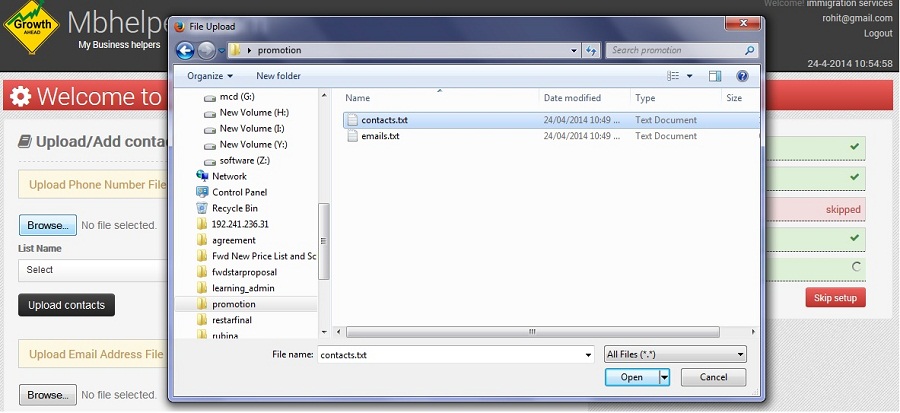
Click “Browse” button in the upper screen opens window for selecting file to upload file. Here I am showing to upload contact file for SMS promotion. Similarly You can upload email file.
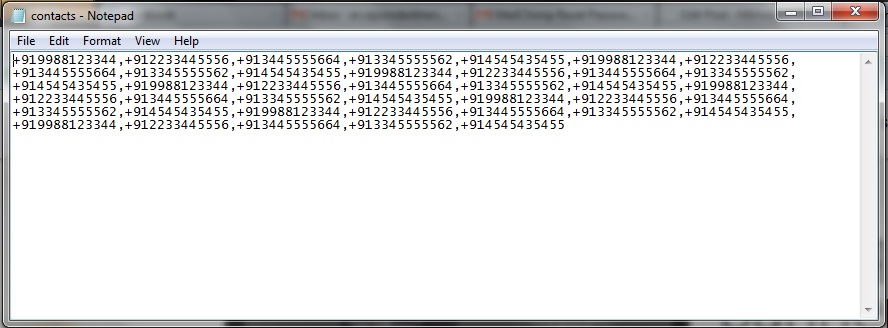
Note:- File for uploading should be CSV(comma separated values) file means contacts or email ids should be separated with comma(,). Contact numbers should be in international format means it should be started with country code like +91 for India & should be followed by number. There should be no special characters (!,#,-,_ etc) in the contact number. Example file is shown in below picture.
-
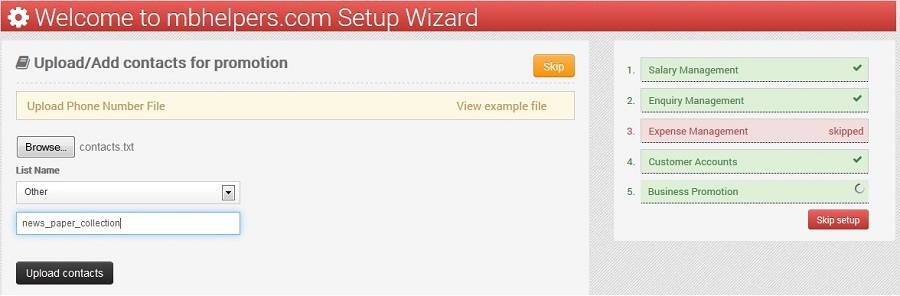
After uploading file select or give the name to list and Click on “Upload contacts” button for uploading.
-
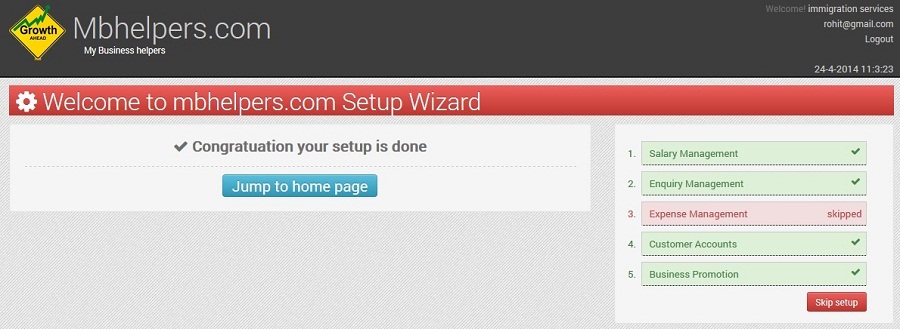
Now your Business promotion setup is completed and you can Go Back To Home Page from below screen.